
Expressvpn Glossary
Network port
What is a network port?
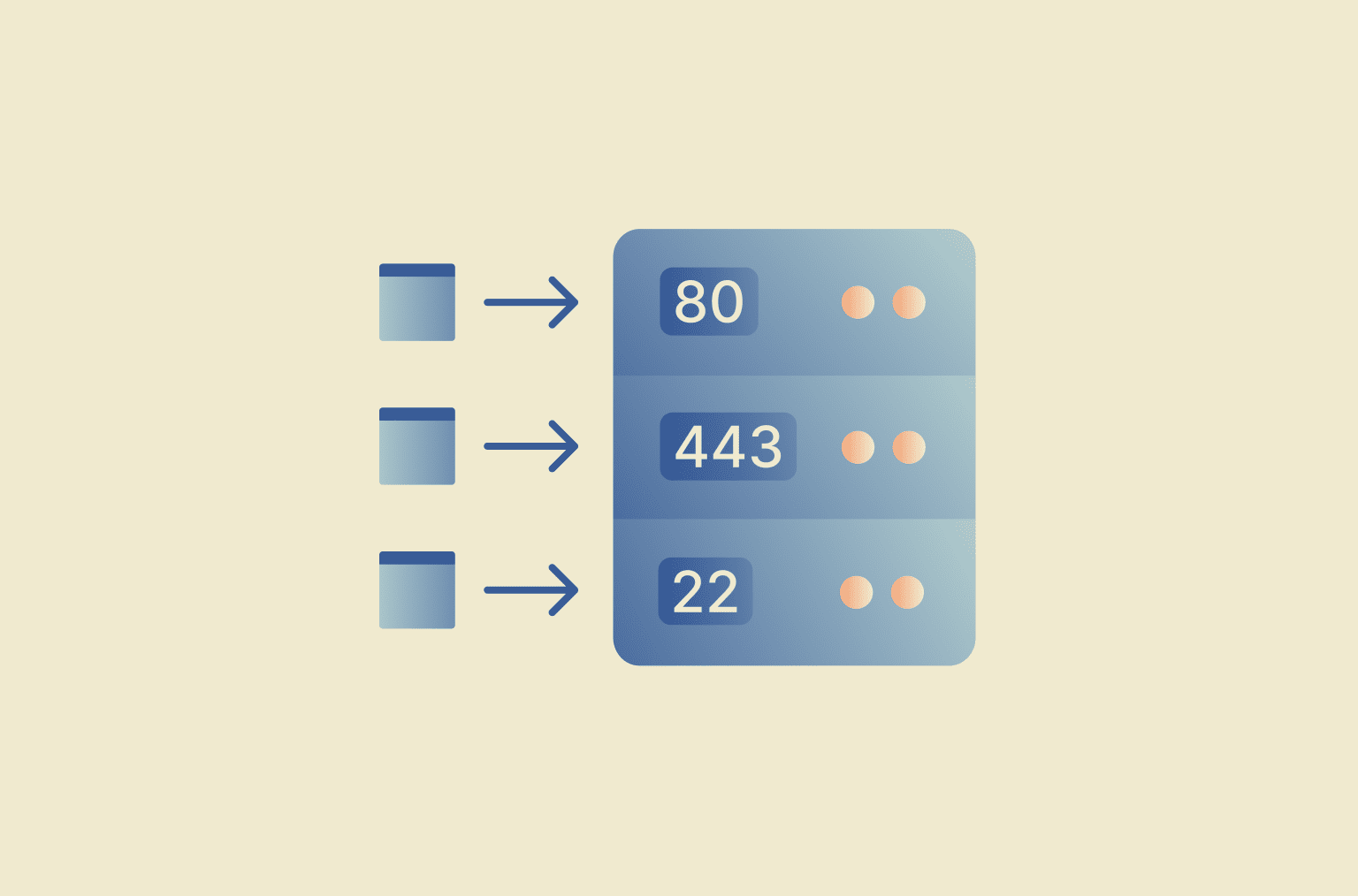
A network port is a logical endpoint on a device that enables data exchange over a network. Each port is identified by a port number associated with a specific service and protocol.
How does a network port work?
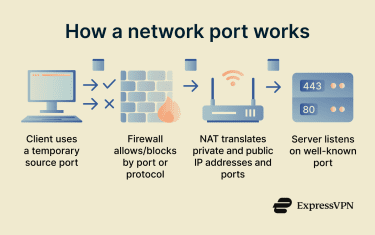
When data travels across a network, port numbers help ensure it reaches the right application. Here’s how that works:
- The client starts the connection using an ephemeral port: When a website or app is opened, the device assigns a temporary port to identify the connection.
- The request passes through network controls (firewalls and routers): As the data travels, devices like firewalls can allow or block traffic based on port numbers and protocols. Network Address Translation (NAT) routers may also remap ports to route traffic between private and public networks.
- A server listens on a well-known port: The request reaches a server that’s “listening” on a specific port, e.g., port 80 (HTTP) or 443 (HTTPS).
- Ports ensure that data reaches the right application: When the server (and later the client) receives data, the operating system uses the port number to deliver it to the correct application.
Network port ranges and types
- System ports (0–1023): Reserved for widely used protocols and core internet services. Examples include port 80 for HTTP and port 443 for HTTPS.
- Registered ports (1024–49151): Assigned to companies, software vendors, or specific applications for their services. For example, some proprietary applications or enterprise tools operate on ports within this range.
- Dynamic or ephemeral ports (49152–65535): Temporary ports automatically assigned by a device’s operating system when it initiates an outgoing connection. These ports are typically used on the client side and are released once the connection ends.
Port numbers are tied to a specific protocol (Transmission Control Protocol (TCP) or User Datagram Protocol (UDP)). This means that TCP port 443 (for HTTPS traffic) and UDP port 443 are separate communication endpoints, and firewalls and operating systems will treat them independently.
Network ports can be:
- Open: A service is running on the port, which is listening for incoming traffic and will respond to requests.
- Closed: No service is running, and the port’s only response to requests is that it’s unavailable.
- Filtered: A firewall blocks traffic access to the port, potentially making the device unresponsive.
Where are network ports used?
Network ports are used by different internet services and applications to send and receive data. Each type of service typically communicates through specific port numbers so devices know which application should handle incoming traffic.
- Web browsing: HTTP (port 80) or HTTPS (port 443).
- Remote access: Secure Shell (SSH, port 22) or Remote Desktop Protocol (RDP, port 3389).
- Email: Simple Mail Transfer Protocol (SMTP, port 587), Internet Message Access Protocol (IMAP, 993), and Post Office Protocol 3 (POP3, 995).
- Domain Name System (DNS): Lookups and responses (port 53).
- Voice over Internet Protocol (VoIP), gaming, and streaming apps: Specific ports send and receive audio, video, and interactive data.
Risks and privacy concerns
Each open network port increases a service’s potential attack surface because it accepts incoming connections. Some legacy protocols associated with older ports lack modern encryption and may expose data if not properly secured.
Filtered ports (blocked by a firewall) can also reveal limited network details, such as the existence of a firewall or filtering rules. However, port scanning can reveal exposed or misconfigured services, helping identify and reduce unnecessary exposure.
Further reading
- What is an open port? A guide to network vulnerabilities
- How to open ports on your router
- NAT “firewall”: Everything you need to know about network security
- What are VPN ports?
- What are network protocols? A complete guide